For SaaS products
Make a new feature easy to understand. Turn your real workflows into feature demos, tutorials, onboarding walkthroughs, and software comparisons.
Feature demo · Workflow walkthrough · Tutorial
Explore SaaS videosMade for SaaS Products
One SaaS product. Endless scroll-stopping videos.
Turn your SaaS landing page, screenshots, and screen recordings into creator-led videos and software demos. Explain a feature, walk through a workflow, or introduce your next release with scripts, voiceovers, and captions in one place.
Create an account to explore. A paid plan is required to generate videos.
Video content for SaaS products
Turn your landing page and real product screens into videos that explain the feature, show the workflow, and invite people to try it.
Paste your public landing page or enter your product details. Review the features, audience, and pricing model.
Upload screenshots or a screen recording. Show a feature in action, a complete workflow, or your AI tool’s real input and output.
Choose Creator + UI or UI-only, review your script, and set your call to action. Generate, review, then download or publish.
Your actual interface is the visual source.
Use your own screens to keep the demo true to your product. Your landing page provides context; your screenshots and recordings provide the footage.
Two ways to show your product
Illustrative workflowCreator hook
First 3 seconds
Your real product screens
Screenshots or screen recordings
Creator hook → Product demo
CTAOpen with a three-second AI creator hook, then show your authentic software footage with captions and a call to action.
Make a new feature easy to understand. Turn your real workflows into feature demos, tutorials, onboarding walkthroughs, and software comparisons.
Feature demo · Workflow walkthrough · Tutorial
Explore SaaS videosShow the prompt, the process, and the actual result. Build prompt-to-result demos, before-and-after stories, and launch promos around your real output.
Prompt → Result · Problem → Tool → Result · Launch promo
Explore AI tool videosAI avatar library
Choose an AI presenter for your Creator + UI opening, or design a custom avatar and reuse it across campaigns. Browse 800+ creators for your software stories. Prefer a screen-first demo? UI-only uses a studio voiceover without a visible creator.
Pick or create avatars inside your dashboard. Custom avatars use plan credits.

Aralynn
Ready
Carys
Ready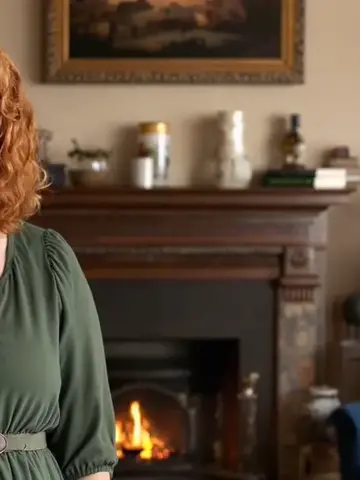
Sarah
Ready
Ishara
Ready
Calista
Ready
Aelith
Ready
Altheora
Ready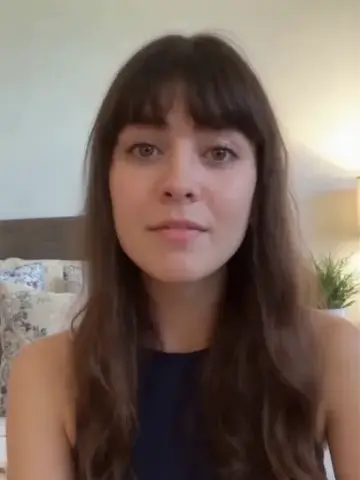
Reilly
Ready
Zaraelith
Ready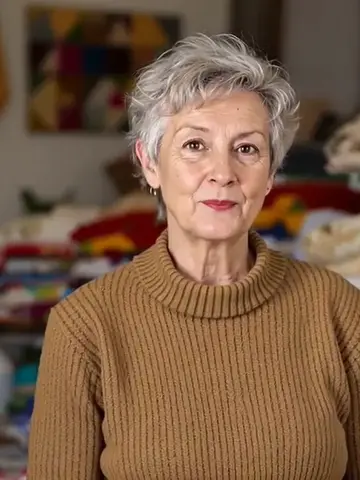
Eldora
Ready
Lysandra
Ready
Lynette
Ready
Zelara
Ready
Amirae
Ready
Alarice
Ready
Aelina
Ready
Nolan
Ready
Rishan
Ready+ Create your own

Alvian
Ready
Renzo
Ready
Finnian
Ready
Arviden
Ready
Alistairn
Ready
PIerce
Ready
Talon
Ready
Eldan
Ready
Zavianth
Ready
Danteo
Ready
Alarionne
Ready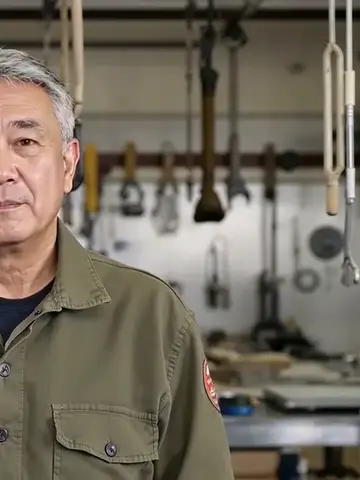
Tadashi
Ready
Thorian
Ready
Auron
Ready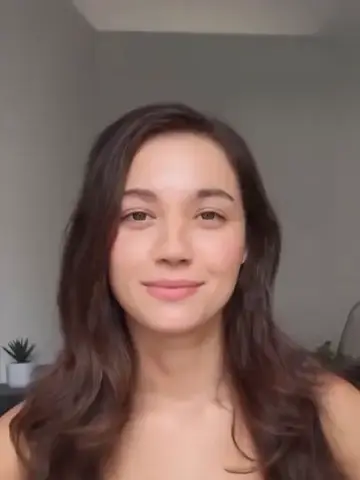
Kelly
Ready
Elowira
Ready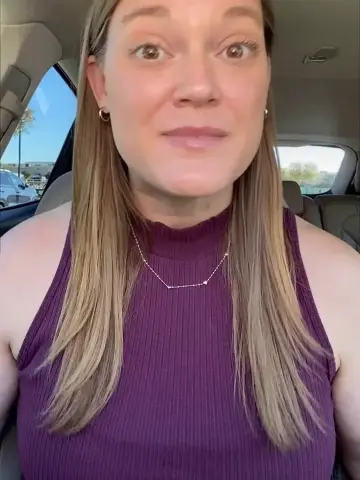
Tonya 5
Ready
Avalynne
Ready
Raya
Ready
Cressida
Ready
Seraphinae
Ready
Sorina
Ready
Jessica
Ready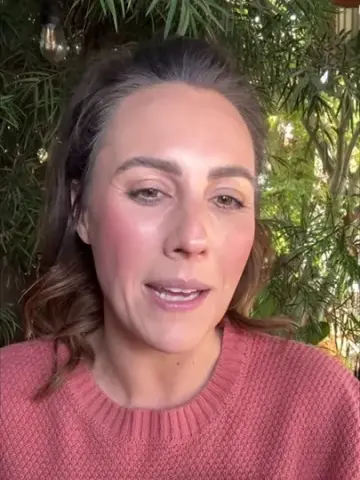
Stella 5
Ready
Azura
Ready
Maribel
Ready
Elarise
Ready
Ariella 5
Ready
Lioraenith
Ready
Elindra
Ready
Damian
Ready
Corvin
Ready
Caelum
Ready
Aldric
Ready+ Create your own

Lian
Ready
Tarian
Ready
Kenji
Ready
Darion
Ready
Ethan
Ready
Corwin
Ready
Kairoan
Ready
Navir
Ready
Elarion
Ready
Brennan
Ready
Aleric
Ready
Riven
Ready818 avatars · or create your own
How it works
Your marketing page explains the offer. Your real interface shows how it works. postUGC brings that context into the script, edit, and finished video.
Paste your public SaaS landing page or enter the details manually. Review your features, audience, pricing model, and positioning.
Landing page → briefAdd real screenshots or screen recordings and choose a feature, workflow, or launch angle. Review the hook, script, product claims, and CTA.
Real screens → scriptChoose Creator + UI for a three-second creator hook, or UI-only for a 15- or 30-second product tour with studio voiceover and captions.
Script → software videoCheck the finished video, then download it or publish to connected TikTok, Instagram, Facebook, and YouTube accounts. Schedule approved posts on eligible plans.
Demo → audienceUse cases
Give each video a clear job: introduce the product, explain a feature, teach a useful workflow, or invite someone to start a trial.
Focus on one feature and the task it helps someone complete. Use real product footage to connect the benefit to the interface.
Feature → benefit
Guide viewers through a sequence of actions, from the starting screen to the completed task.
Task → steps → outcome
Explain a useful first step with your own product screens, a reviewed script, and a clear next action.
First step → next action
Introduce a familiar workflow problem, then demonstrate how your software addresses it using your actual interface.
Problem → product → result
Show your product alongside a manual process or another workflow. Keep comparisons specific and supported by your brief.
Old workflow → your workflow
Introduce why you built the product or what changed in a release. Pair the story with real screenshots and a trial or demo CTA.
New release → clear invitation
Why postUGC
Keep product context, authentic visuals, creative direction, and publishing together as your software evolves.
Upload the screens buyers need to see. Screenshots and recordings provide the visual source for software demos; your landing page supplies the product context.
Authentic product footage
Build hooks and explanations around your audience, features, and workflow. Review the claims and wording before generating.
Review before generation
Lead with an AI creator and move into your UI, or start directly on your screens with a studio voiceover. Match the format to the message.
Creator + UI · UI-only
Choose a software CTA such as Try it free, Start your free trial, or Book a demo. Download, publish, or schedule after reviewing the result.
Trial and demo CTAs
Example storyboards
Illustrative storyboards to help plan your next video. Replace these placeholders with your own product screens and supported claims.
Illustrative storyboard
“Here’s how this feature works.”
Give one capability its own short demo. Keep the narration close to what viewers can see on screen.
Example CTA: Try it free
Illustrative storyboard
“Let’s walk through the whole process.”
Make a product workflow easier to understand with a clear sequence of screenshots or a recording.
Example CTA: Book a demo
Illustrative storyboard
“Meet the newest part of our product.”
Pair a creator-led introduction with a real view of the feature you have shipped.
Example CTA: Get started
Your authentic screens
Your reviewed script
Your product invitation
Pricing
Credits flex across supported models, durations, audio options, and output quality. You see the exact cost before generation.
Trial
For testing the platform with a real AI UGC video before upgrading.
500 monthly credits · Up to 1 AI UGC videos per month
1 campaign
Product URL import from stores, landing pages, and app stores
AI product research, viral hooks, and a script
AI avatar library and custom AI avatars
Premium AI video models with native audio
Studio-quality AI voices for professional voiceovers
Auto captions and CTA in the finished video
Starter
For creating your first AI UGC videos: import a product, generate a video, and post it now.
2,500 monthly credits · Up to 7 AI UGC videos per month
Up to 10 campaigns
Import from Shopify, WooCommerce, landing pages, App Store, and Google Play
Trend-aware product research and viral hooks
AI scripts, captions, hashtags, and CTAs
10+ video formats: demos, testimonials, unboxings, comparisons, and more
Premium AI video models with native audio
Studio-quality AI voices for professional voiceovers
Pro
For brands that want scheduled posting and on-brand scripts at higher volume.
7,000 monthly credits · Up to 20 AI UGC videos per month
Up to 30 campaigns
Everything in Starter
Premium AI video models with native audio
Studio-quality AI voices for professional voiceovers
Scheduled posting to connected channels
Brand voice: choose a tone, audience, and key benefits so every script, caption, and CTA stays on-brand
Connect up to 4 social accounts
Video totals are estimates. Actual credit use depends on model, duration, resolution, and voice settings. Recurring daily campaign auto-posting is still coming soon.
FAQ
Understand product-page imports, real screen footage, video modes, publishing, and generation costs before you begin.
Choose SaaS / AI Tool in a campaign or quick video. Import your public landing page or enter your product details, add real screenshots or screen recordings, choose a format and presentation mode, review the script, and generate. Review the finished video before downloading or publishing.
Yes. postUGC extracts available product information from your public marketing page for review. Your landing page supplies context; your screenshots and screen recordings supply the real interface footage. If the page blocks extraction, enter the same details manually.
Creator + UI opens with a three-second AI creator hook and then shows your authentic software footage. UI-only begins on your product screens and adds a studio voiceover, captions, and a CTA in a 15- or 30-second video.
Yes. Supply screenshots or screen recordings of the interface you want to demonstrate. Your uploaded assets are the visual source. Review the script to make sure feature descriptions, pricing, integrations, and comparisons match your product.
Software campaigns support feature demos, workflow walkthroughs, problem-to-tool-to-result videos, tutorials, user testimonial formats, software comparisons, founder stories, and promotional videos. Use supported claims and real product visuals for the angle you choose.
Yes. Software videos support Try it free, Start your free trial, Get started, Sign up, Book a demo, and Learn more. Choose the invitation that matches your actual offer.
Publish to connected TikTok, Instagram Reels, Facebook Reels, and YouTube Shorts accounts, or download the video for other channels. Eligible plans support scheduling approved posts. Recurring hands-free daily generation is still rolling out.
Generation uses plan credits. UI-only videos use three credits per second: 45 credits for 15 seconds or 90 credits for 30 seconds. Creator + UI costs depend on the selected settings. Review the displayed cost before generation; a paid plan is required to generate videos.
Bring your product page and real screens. Create a feature demo, workflow walkthrough, or launch video with an invitation to try your SaaS product.