Screenshots don’t stop the scroll
Static App Store screenshots and polished mockups blend into the feed. Creator-led video with your real UI earns the second look.
Made for mobile apps
Turn your App Store or Google Play listing into creator-led short-form videos. postUGC writes the hook and script, then cuts in your real screen recordings — so viewers see your actual app, not a hallucinated mockup.
Explore sample videos after signup. A subscription is required to generate videos.
Generated examples
Different products, hooks, and creator formats — generated for the feeds your customers already watch.
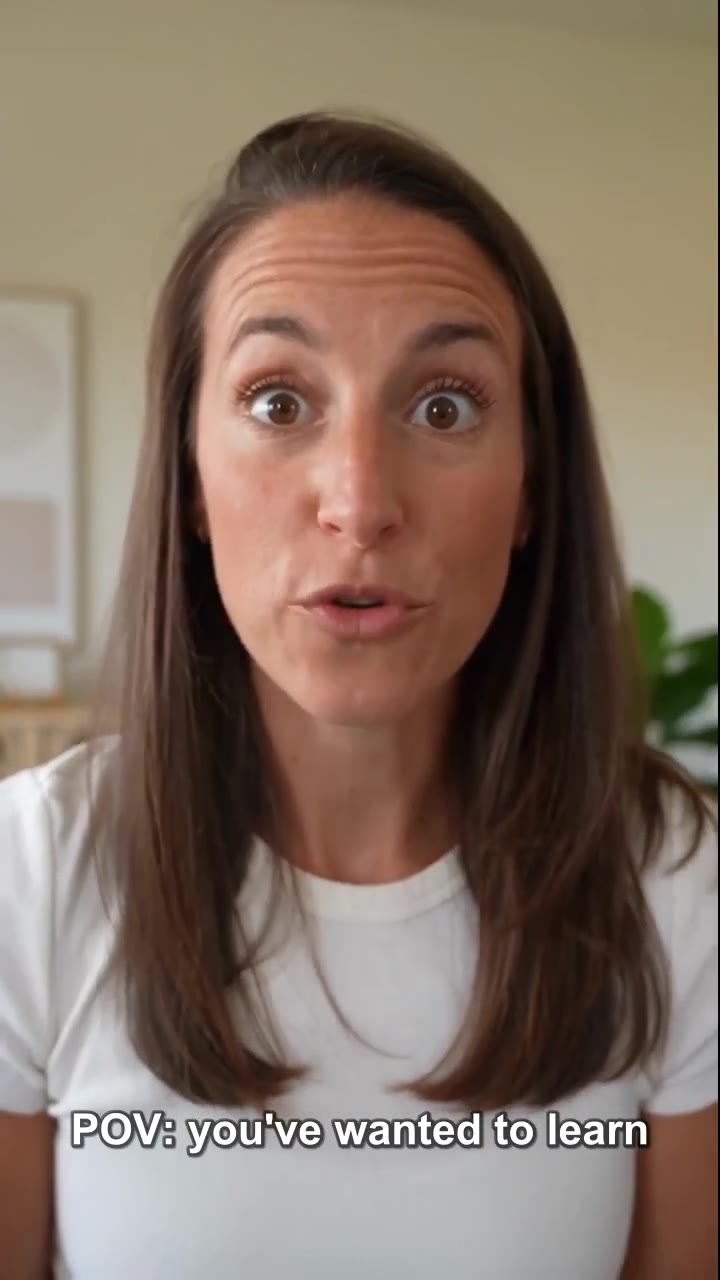 App Promo
Generated hook
POV: you've wanted to learn a language
Duolingo — Language Learning
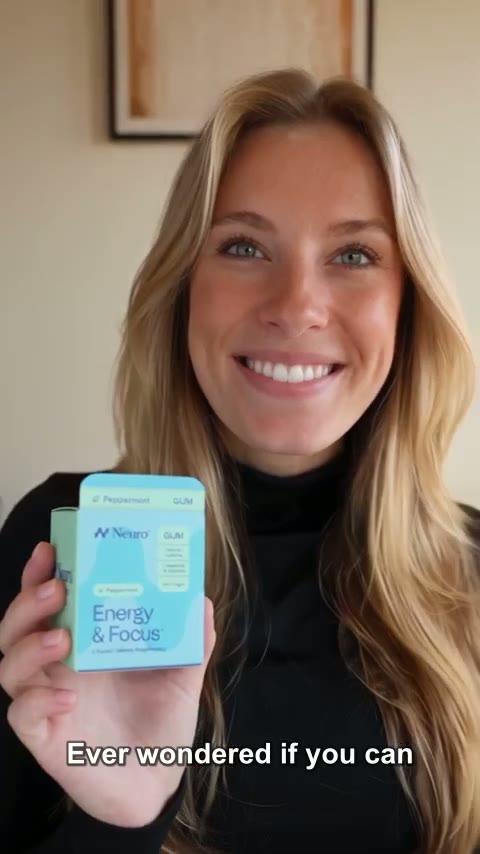 UGC Testimonial
Generated hook
clean energy and focus on the go
NeuroGum — Energy & Focus
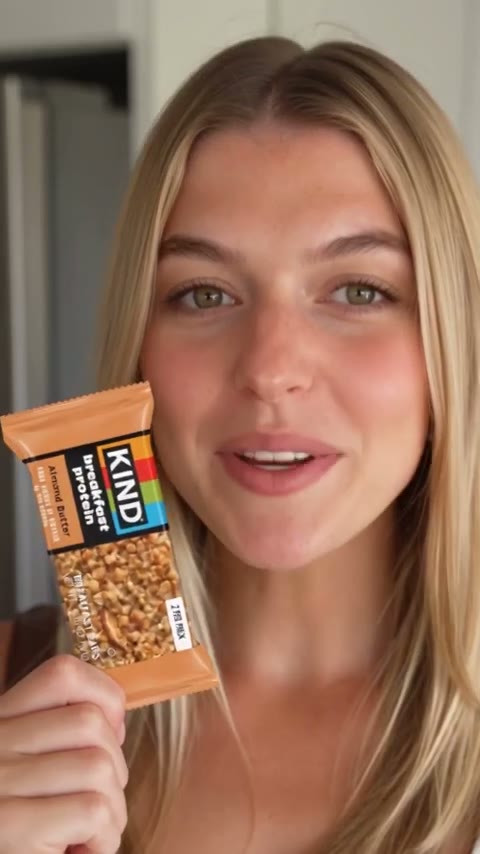 Product Demo
Generated hook
the snack that keeps up with busy days
KIND — Snack Bar
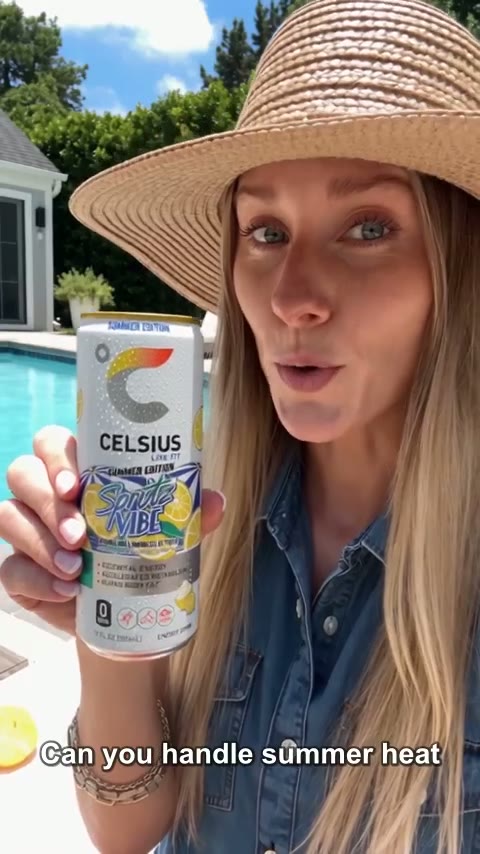 Lifestyle
Generated hook
energy for the next move
CELSIUS — Energy Drink
 Product Demo
Generated hook
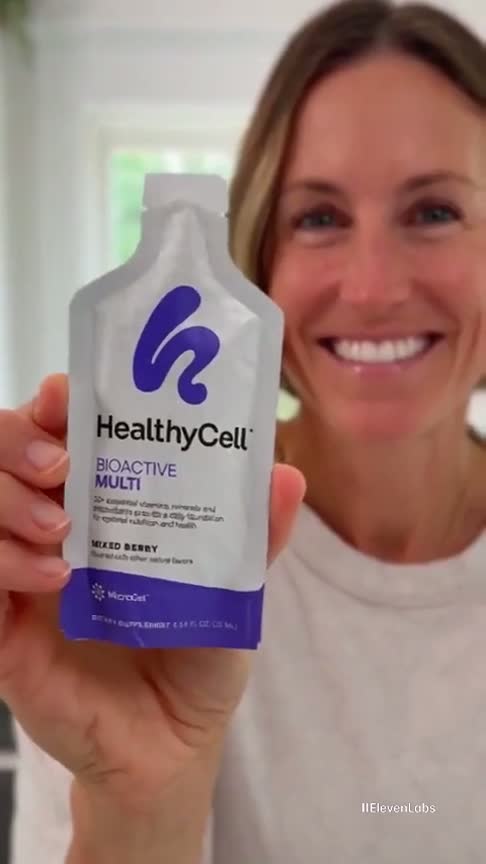
daily vitamins without another pill
HealthyCell — BioActive Multi
 UGC Testimonial
Generated hook
277mg of smooth organic cold brew
Bizzy — Organic Cold Brew
 Product Demo
Generated hook
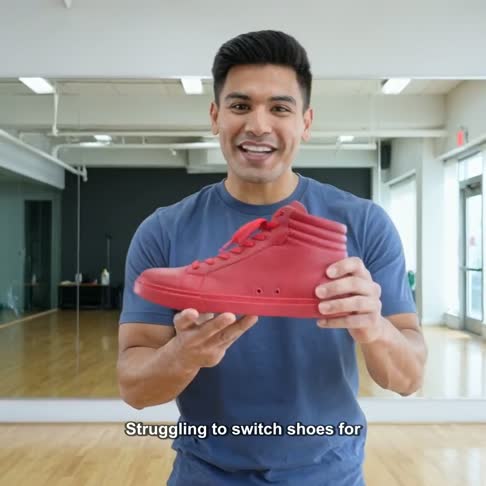
one shoe from studio to street
PONCE — Fuego High-top
 Taste Test
Generated hook
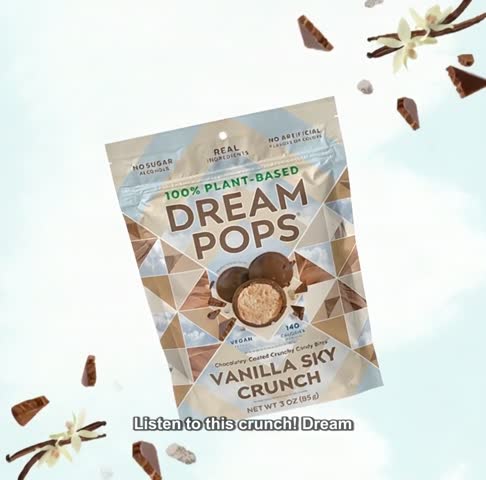
the sweet snack I keep reaching for
Dream Pops — Vanilla Sky
 Lifestyle
Generated hook
protein that fits a busy routine
Huel — Complete Protein
 Product Demo
Generated hook
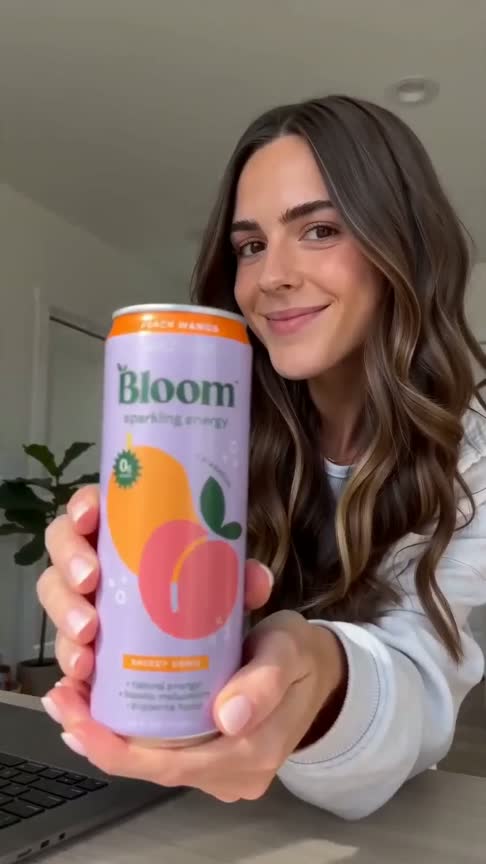
sparkling energy without the crash
Bloom — Sparkling Energy
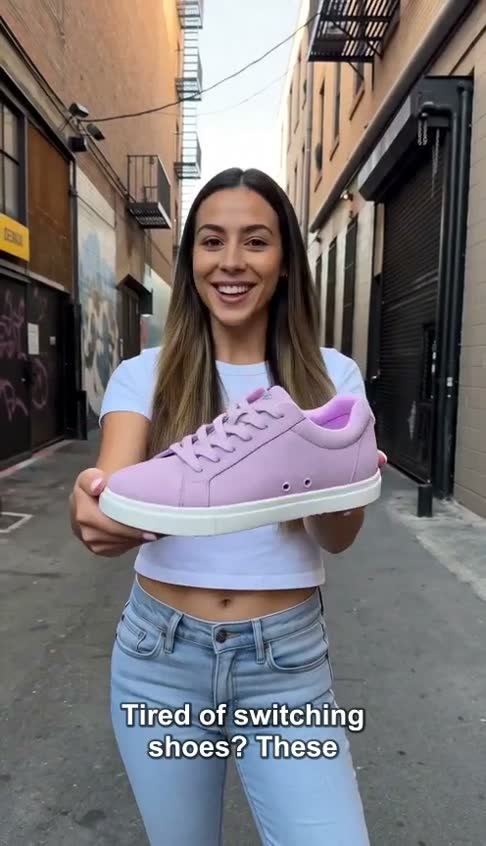 Lifestyle
Generated hook
grip and style without switching shoes
PONCE — Everyday Low-top
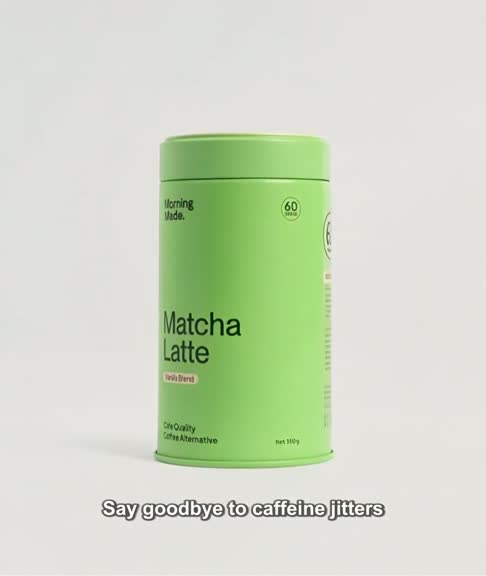 Problem / Solution
Generated hook
say goodbye to caffeine jitters
Matcha Latte — Daily Energy
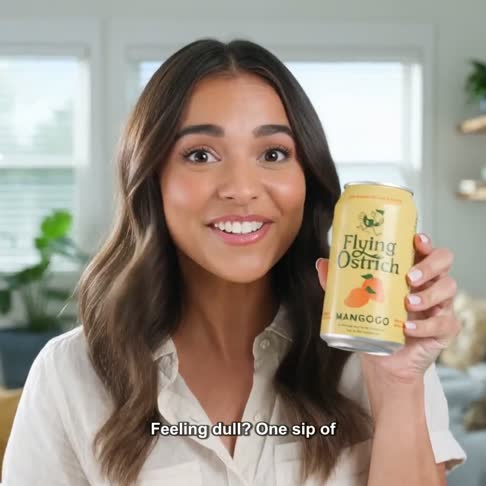 Product Demo
Generated hook
one sip of summer hydration
Flying Ostrich — MangoGo
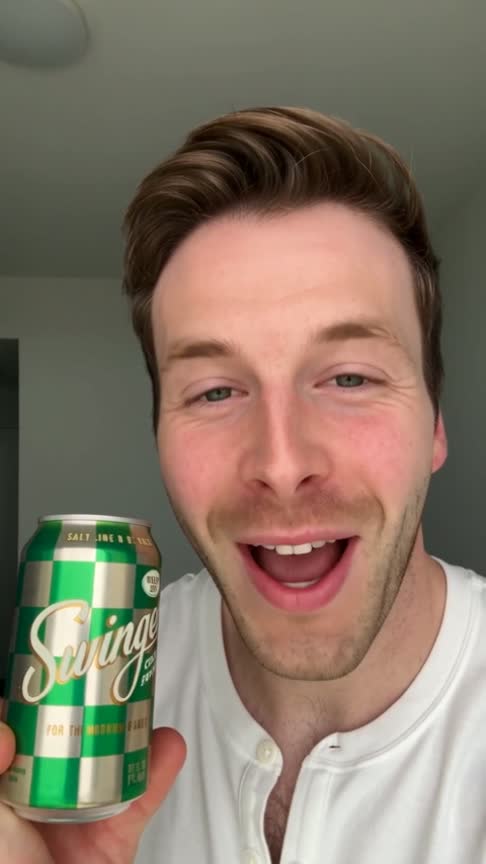 UGC Testimonial
Generated hook
the salty lime sip made for sunny days
Swing — Salty Lime
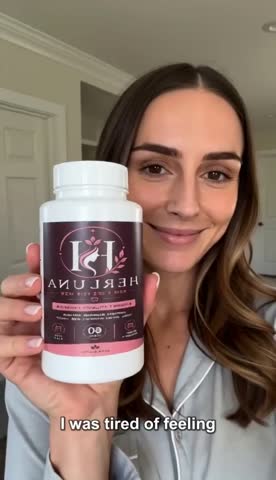 UGC Testimonial
Generated hook
I was so tired of feeling drained…
HERLUNA — Women's Vitality
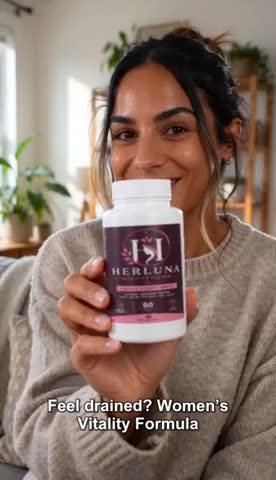 Problem / Solution
Generated hook
feel drained? meet the vitality formula
HERLUNA — Women's Vitality
1
product link becomes the creative brief
8+
UGC and product video formats
4
short-form publishing destinations
All
hooks, scripts, captions, and hashtags included
AI-generated samples. No affiliation or endorsement implied.
Why Mobile Apps teams switch to AI UGC
Static App Store screenshots and polished mockups blend into the feed. Creator-led video with your real UI earns the second look.
Capturing footage, syncing voiceover, and cutting vertical video for every update eats days. postUGC builds the edit around your recordings for you.
Generic AI video tools invent interfaces that don’t exist. postUGC inserts your actual screen recordings, so what viewers see is what they download.
Import your App Store or Google Play listing, or enter the details manually. Add screenshots and up to three screen recordings of your app.
postUGC writes a creator-led opening and shapes the story around your app’s benefits. Adjust the angle, claims, and call to action before generating.
Your video pairs the AI hook with your real screen recording. Review it, then download or publish to TikTok, Instagram, Facebook, and YouTube.
Hooks in action
Every video starts with a hook written for your audience. Browse the examples, then generate your own.
App PromoGenerated hook
POV: you've wanted to learn a language
Duolingo — Language Learning
App Promo · TikTok
“POV: you've wanted to learn a language”
Duolingo — Language Learning
UGC TestimonialGenerated hook
clean energy and focus on the go
NeuroGum — Energy & Focus
UGC Testimonial · TikTok
“clean energy and focus on the go”
NeuroGum — Energy & Focus
Product DemoGenerated hook
the snack that keeps up with busy days
KIND — Snack Bar
Product Demo · Reels
“the snack that keeps up with busy days”
KIND — Snack Bar
LifestyleGenerated hook
energy for the next move
CELSIUS — Energy Drink
Lifestyle · TikTok
“energy for the next move”
CELSIUS — Energy Drink
Product DemoGenerated hook
daily vitamins without another pill
HealthyCell — BioActive Multi
Product Demo · Reels
“daily vitamins without another pill”
HealthyCell — BioActive Multi
UGC TestimonialGenerated hook
277mg of smooth organic cold brew
Bizzy — Organic Cold Brew
UGC Testimonial · TikTok
“277mg of smooth organic cold brew”
Bizzy — Organic Cold Brew
Product DemoGenerated hook
one shoe from studio to street
PONCE — Fuego High-top
Product Demo · Reels
“one shoe from studio to street”
PONCE — Fuego High-top
Taste TestGenerated hook
the sweet snack I keep reaching for
Dream Pops — Vanilla Sky
Taste Test · TikTok
“the sweet snack I keep reaching for”
Dream Pops — Vanilla Sky
LifestyleGenerated hook
protein that fits a busy routine
Huel — Complete Protein
Lifestyle · Reels
“protein that fits a busy routine”
Huel — Complete Protein
Product DemoGenerated hook
sparkling energy without the crash
Bloom — Sparkling Energy
Product Demo · TikTok
“sparkling energy without the crash”
Bloom — Sparkling Energy
LifestyleGenerated hook
grip and style without switching shoes
PONCE — Everyday Low-top
Lifestyle · Reels
“grip and style without switching shoes”
PONCE — Everyday Low-top
Problem / SolutionGenerated hook
say goodbye to caffeine jitters
Matcha Latte — Daily Energy
Problem / Solution · TikTok
“say goodbye to caffeine jitters”
Matcha Latte — Daily Energy
Product DemoGenerated hook
one sip of summer hydration
Flying Ostrich — MangoGo
Product Demo · TikTok
“one sip of summer hydration”
Flying Ostrich — MangoGo
UGC TestimonialGenerated hook
the salty lime sip made for sunny days
Swing — Salty Lime
UGC Testimonial · Reels
“the salty lime sip made for sunny days”
Swing — Salty Lime
UGC TestimonialGenerated hook
I was so tired of feeling drained…
HERLUNA — Women's Vitality
UGC Testimonial · TikTok
“I was so tired of feeling drained…”
HERLUNA — Women's Vitality
Problem / SolutionGenerated hook
feel drained? meet the vitality formula
HERLUNA — Women's Vitality
Problem / Solution · Reels
“feel drained? meet the vitality formula”
HERLUNA — Women's Vitality
Choose a clear purpose for each video, then let the hook and script carry it.
A creator introduces the app, then your real screen recording shows it working.
Put one killer feature center stage for launches and updates.
Guide new users through onboarding or a core flow, step by step.
Open with the frustration your app removes, then show the fix in your UI.
A creator voice shares why they keep the app on their home screen.
Teach one useful thing your app does better than anything else.
Free hook templates
Copy a template, swap in your product, and use it as the creative direction for your next generation.
Yes. Paste a public App Store or Google Play URL and postUGC extracts the app name, description, and available assets for review. If extraction is limited, enter the details and upload screenshots manually.
Yes. You upload screenshots and up to three MP4, MOV, or WebM screen recordings, and the final video cuts your real footage into the edit. The UI viewers see is your actual app — not an AI-invented mockup.
You can upload app screenshots instead and postUGC builds a screenshot sequence for the demo portion. Adding a short screen recording later gives the strongest result.
Vertical 9:16 video for TikTok, Instagram Reels, Facebook Reels, and YouTube Shorts. Publish through connected accounts or download and use them in paid install campaigns.
No. postUGC creates UGC-style social videos to promote your app on short-form channels. It doesn’t create official store preview videos or upload to your store listing.
Yes. Enter the app details manually, upload your screenshots or recordings, and generate pre-launch teasers and waitlist content.
Paste your listing, add a screen recording, and launch your next app promo video today.
Create your account